
Current mobile features
Everything you need to manage sign-ins with less friction.
Save and organize accounts, fill them through Android and iOS system services, and choose how your encrypted vault moves between devices.
Available on Android and iOS
Built for everyday sign-ins
More than a place to store passwords.
Vault organization
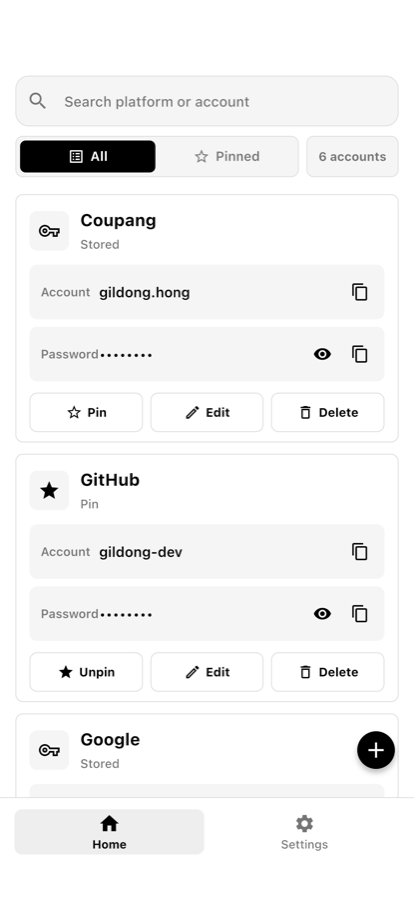
Create, edit, delete, search, and pin favorite accounts so frequently used sign-ins stay close.
System autofill
Use Android and iOS system autofill to select saved credentials without repeatedly switching apps.
TOTP codes
Store TOTP seeds inside encrypted account records and generate time-based verification codes alongside a sign-in.
Password tools
Create passwords with the built-in generator and review security checks that help identify items needing attention.
Encrypted backup
Export and import a password-protected encrypted backup through the system file picker when you choose.
Optional sync
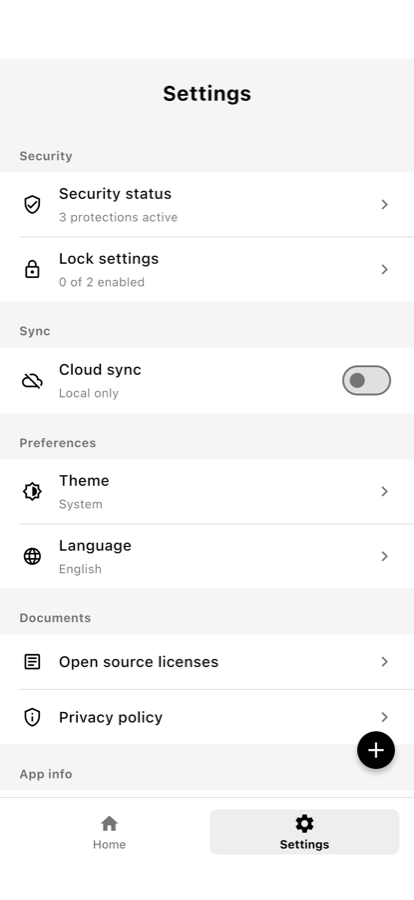
Sign in with Google or Apple and enable encrypted sync only when you want access across devices.
Inside the app
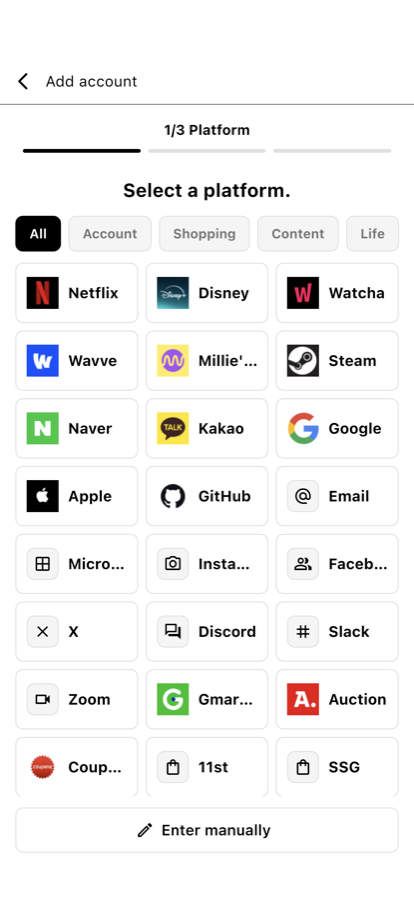
A focused path from search to settings.
Protection around the workflow
Convenience with guardrails.
Local encryption
The vault database is encrypted with SQLCipher and its key is kept using operating-system secure storage.
App lock
Use a local PIN or supported biometrics to add an access check when opening the app.
Exposure controls
Copied passwords clear automatically. Android blocks screenshots and backups; iOS protects the app-switcher preview.
Offline first
Core vault management works without an account or network connection.
Platform availability
Mobile apps
The features on this page describe the current Android and iOS apps. Autofill availability can vary by app, website, browser, and operating-system behavior.
macOS · Windows · Chrome
macOS, Windows, and the Chrome extension are still in release preparation. Their final feature scope may differ from the mobile apps.