Encrypted on your device
Accounts and passwords are encrypted with SQLCipher and stay on your device by default.
 Password Manager
Your passwords, on your device
Password Manager keeps your accounts and passwords encrypted on your device by default. Spend less time signing in without giving up control of your data.
Accounts and passwords are encrypted with SQLCipher and stay on your device by default.
Find and fill saved sign-ins when you need them, with less repetitive typing.
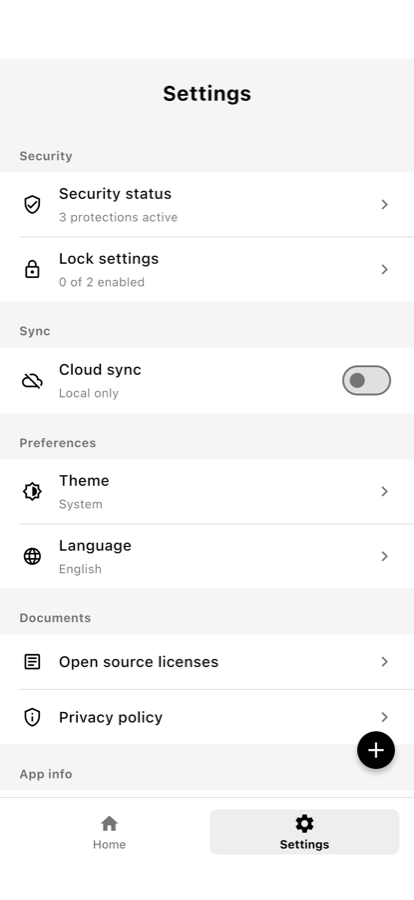
Turn on end-to-end encrypted sync only when you want secure access across devices.
How it works
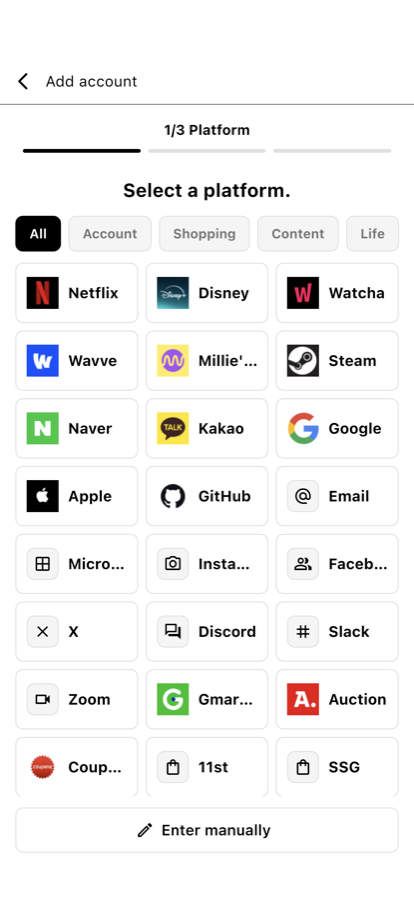
Add an account and it is encrypted inside the local vault on your device.
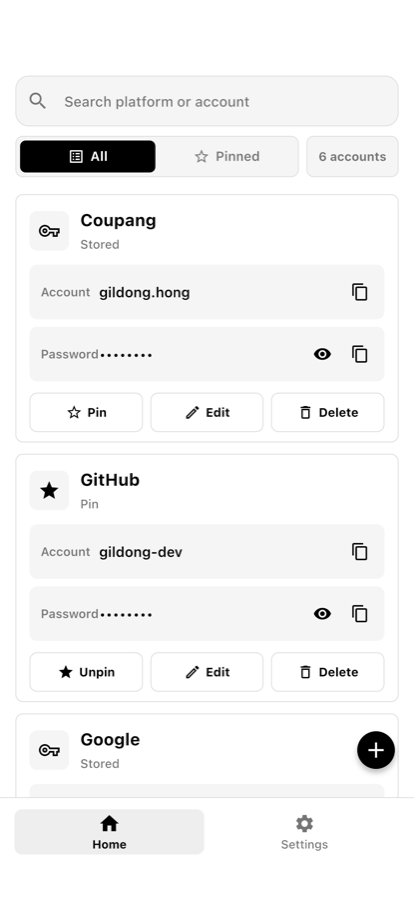
Search, pin, copy, and use system autofill on Android and iOS to reduce repetitive typing.
Enable encrypted sync only when you want to restore your vault across devices.
Inside the app
Store screenshots use sample accounts and show the current mobile interface.
Security by design
The app minimizes exposure by keeping the vault local by default and making network sync optional.